Get Started
Video Walkthrough
Prerequisites
- Python 3.10+ — for the CLI
- Docker — for proxy and sandbox containers
- uv — Python package manager
Install uv if you don't have it:
Install CodeFreedom
Install Code Agents
CodeFreedom does not install, modify, or patch code agents. It only calls them with the correct configuration and environment variables. Each agent must be installed through its official installation method:
- Claude Code — install via
npm install -g @anthropic/claude-codeor follow Anthropic's docs - MiMo Code — install via
npm install -g @mimo/mimo-codeor follow the official MiMo Code documentation - OpenCode — install via the official OpenCode distribution
CodeFreedom sets ANTHROPIC_BASE_URL, CLAUDE_MODEL, and other environment variables so agents route through your local proxy. No agent code is touched.
Set Up
Apply a recipe to generate your ~/.codefreedom configuration:
Or with short alias:
Set Up Secrets
After setup, run the assisted script to configure your API keys:
This adds CF_CLI_* environment variables to your shell profile:
# >>> codefreedom:costeffective-coding secrets >>>
export CF_CLI_LITELLM_MASTER_KEY="sk-..."
export CF_CLI_MICROSOFT_FOUNDRY_API_BASE="https://...services.ai.azure.com/openai/v1"
export CF_CLI_MICROSOFT_FOUNDRY_API_KEY="..."
export CF_CLI_OPENCODE_ZEN_API_KEY="..."
export CF_CLI_OPENROUTER_API_KEY="..."
export CF_CLI_GITHUB_PERSONAL_ACCESS_TOKEN="github_pat_..."
# <<< codefreedom:costeffective-coding secrets <<<
Start the Proxy
Or with short alias:
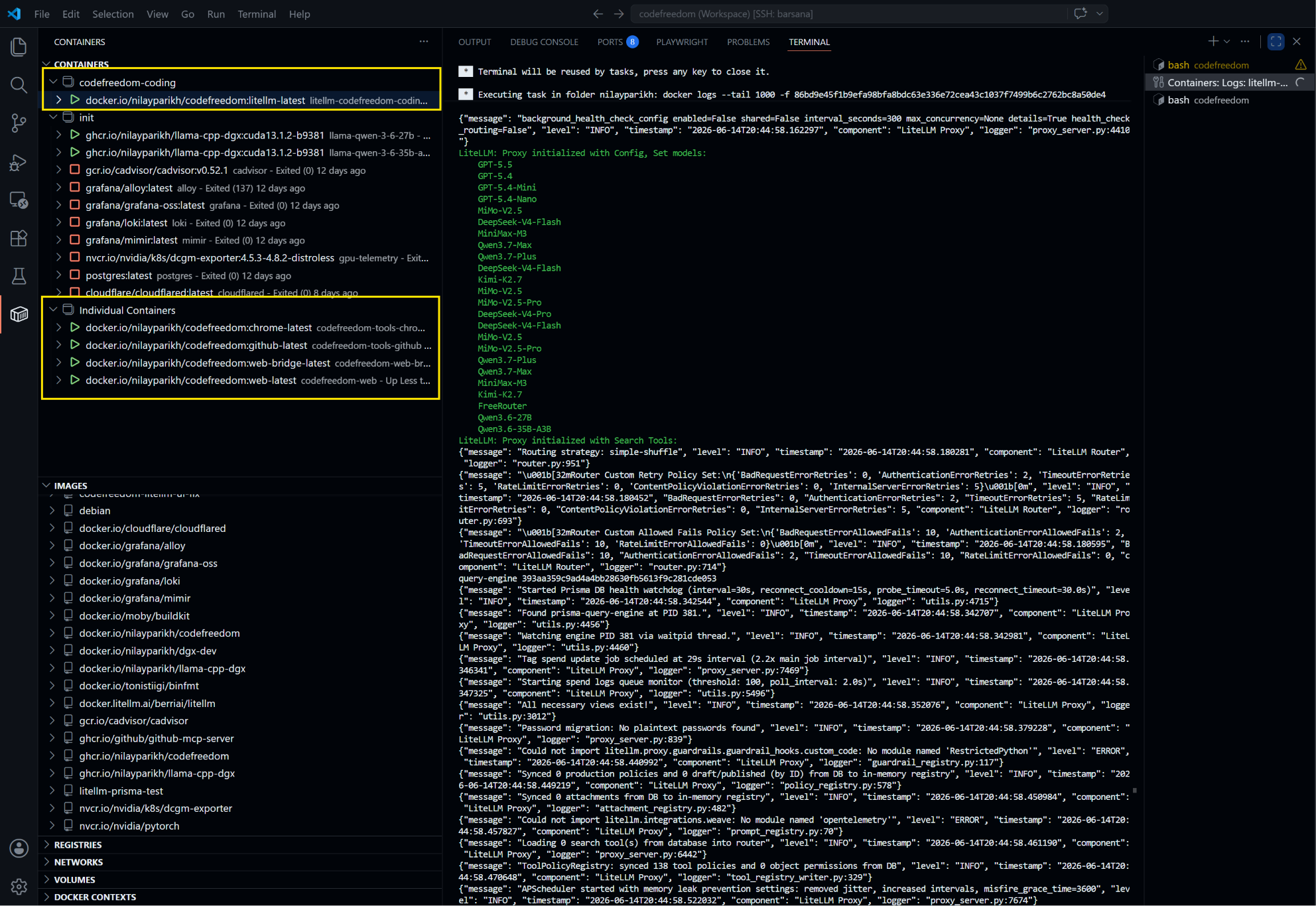
Launch an Agent
Or with short alias:
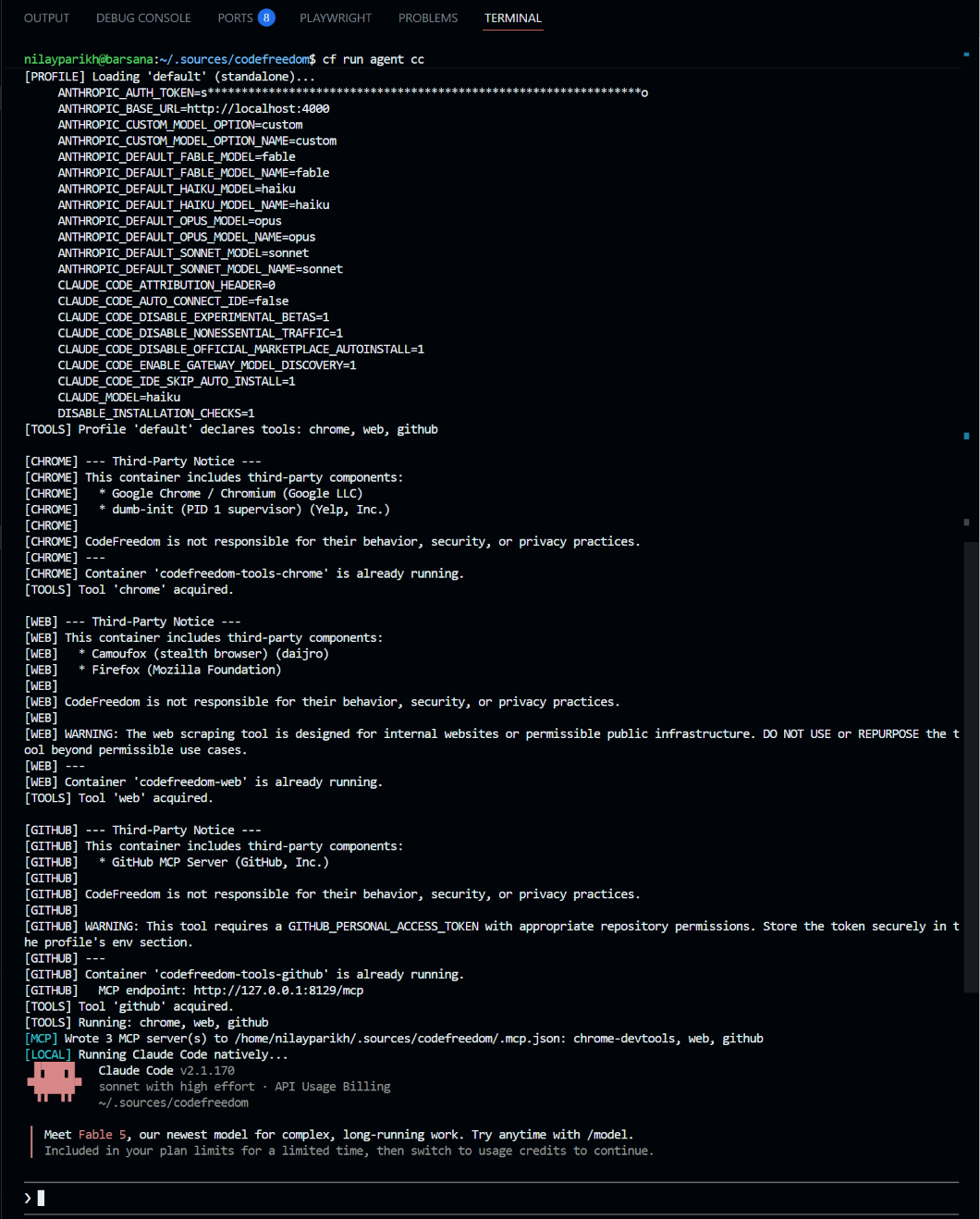
Available Agents
| Agent | Command | Alias |
|---|---|---|
| Claude Code | cf r ag cc |
cc |
| MiMo Code | cf r ag mc |
mc |
| OpenCode | cf r ag oc |
oc |
| Pi Code | cf r ag pc |
pc |
Quick Reference
| Command | Short | Description |
|---|---|---|
cf setup init |
cf s i |
Set up config |
cf run proxy start |
cf r px start |
Start the proxy |
cf run agent claude-code |
cf r ag cc |
Launch Claude Code |
cf manage doctor |
cf m dr |
Check system health |